How can we help?
Welcome to our Support Portal. Search for answers using the search box below.,
Use Virtual desktops
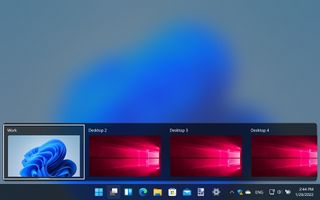
It is easy to run out of space on your desktop, or get lost in a sea of windows – and this is where virtual desktops can help. Click the Task View button next to the Start button and then click New desktop to create a new virtual workspace. You can use this – and any more you create – just like your normal desktop. Switch between them by holding Windows + Ctrl and pressing the left or right arrow key.