Update Browser Bookmarks in Group Policy – Mozilla
This guide assumes that you have already created a GPO called “Browser Shortcuts” and linked it to the root or the OU containing users.
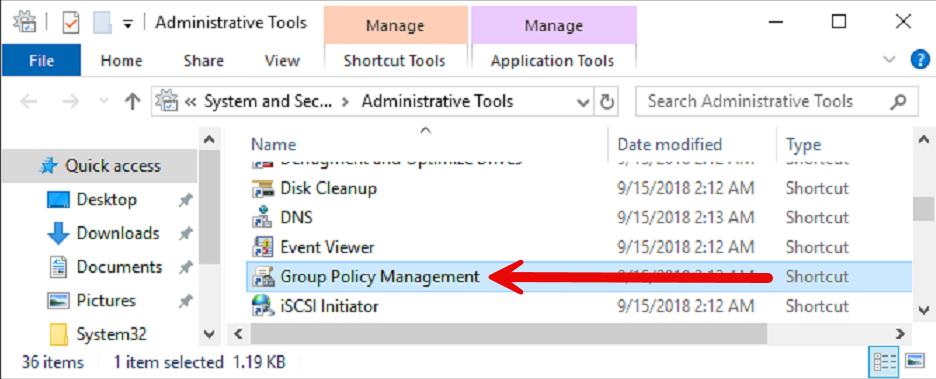
In “Administrative Tools,” open “Group Policy Management”
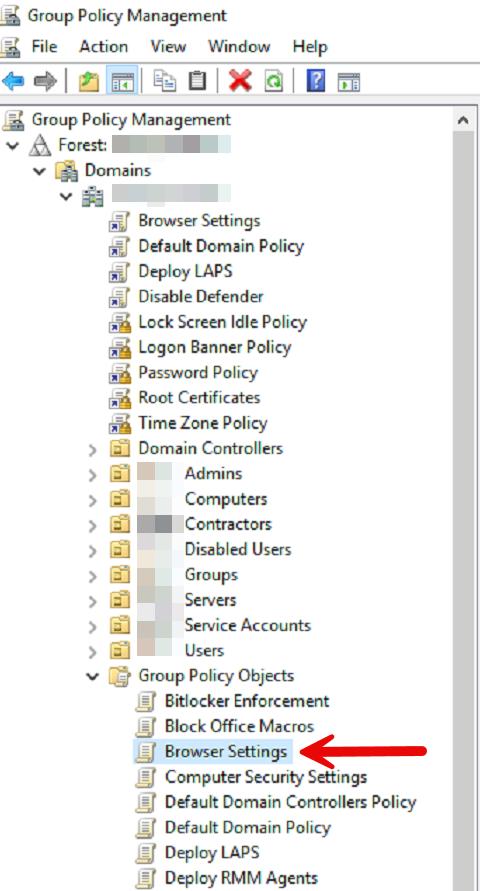
Locate the “Browser Settings” GPO, right-click, then “Edit.”
Mozilla –
3
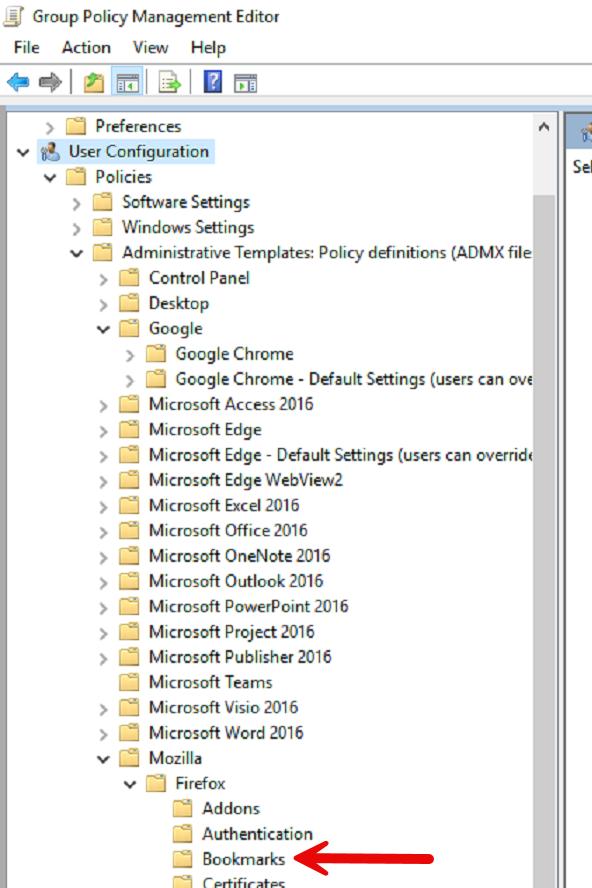
Navigate to User Configuration → Policies → Administrative Templates → Mozilla → Firefox → Bookmarks
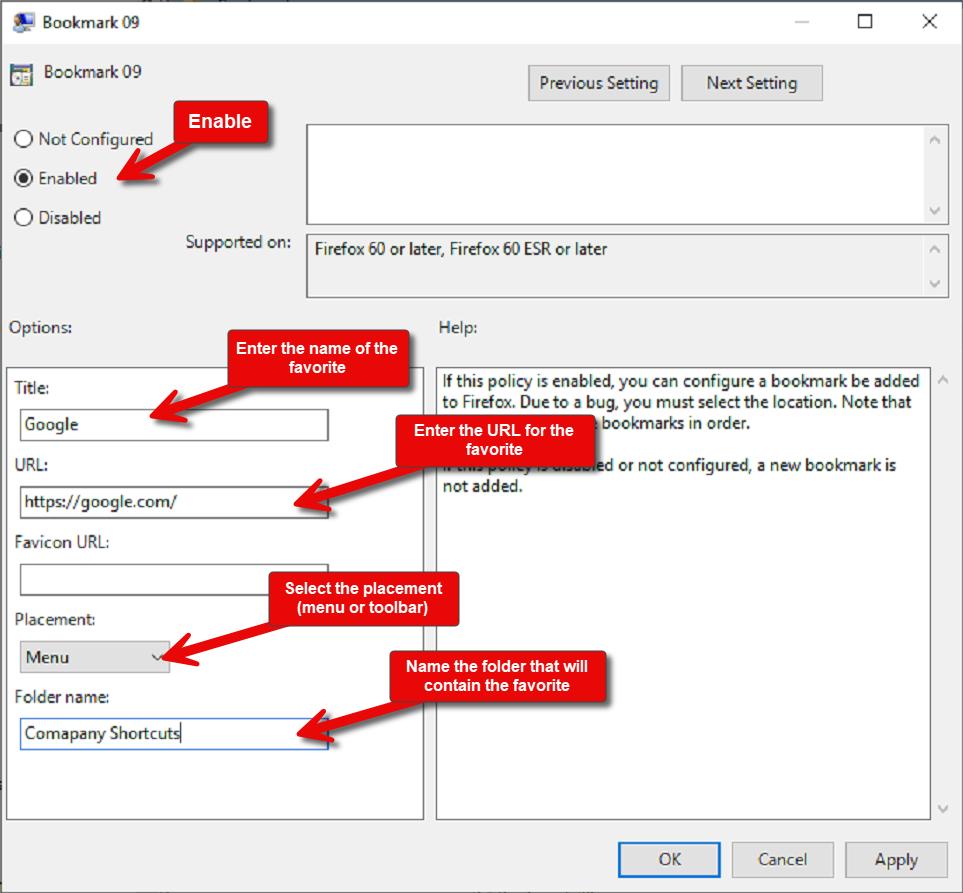
For Each favorite you wish to add, you need to edit Bookmark ##.
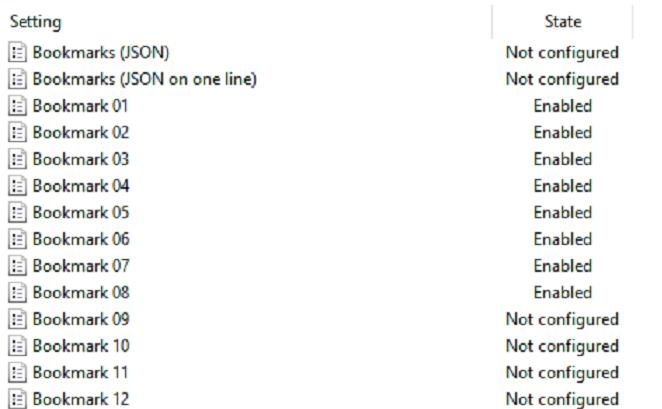
Enter the Title, URL, Placement, and Folder name. When complete, click “OK.” You can add additional favorites by editing additional Bookmark ## settings. There is a limit of 50 bookmarks.